

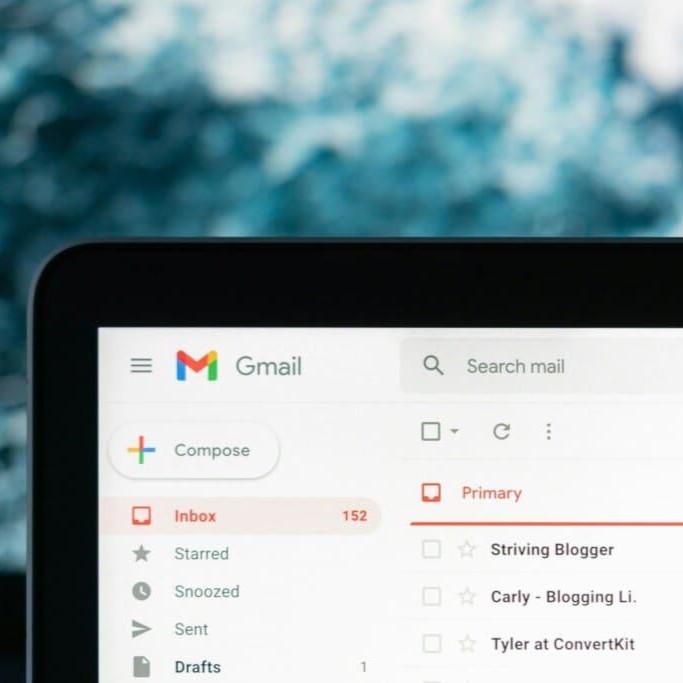
Most of us have so many accounts linked to the email addresses that we’ve completely lost track of them. Between the newsletters, shopping sites, and old social media profiles, your inbox can become a bit of a graveyard for forgotten usernames.
If you sat down and tried to list every single online account you’ve ever opened, you’d probably be shocked by the total. However, when planning your will, staying on top of these accounts is vital. Ensuring your digital legacy is easy to manage saves your loved ones a major headache later. Here is how you can track down those lingering accounts using your email settings.
Finding Accounts Linked to Your Email
Most major email providers have a built-in way to see which third-party websites have access to your data. This is usually the quickest way to find a “master list” of your digital footprint.
Gmail
Google makes it fairly simple to see which sites you’ve signed into using your Google account:
- Go into your Google Account settings.
- Select Security from the menu on the left.
- Scroll down to find “Your connections to third-party apps and services.”
- Click See all connections to view the full list. From here, you can see what’s active and revoke access for anything you no longer use.
Outlook and Hotmail
Since Microsoft owns both, the process is the same for either address:
- Head to your Microsoft Account page.
- Click on the Privacy tab.
- Look for “Other privacy settings” and then select “Apps and services that can access your data.”
- Review the list and click Edit next to any app you want to remove, then select Remove these permissions.
Yahoo
Yahoo operates in a very similar way:
- Click your Profile icon, then select Account Info.
- Look for the option to manage app and website connections.
- From this page, you can see your current activity and click Remove to cut off any permissions you don’t recognise.
Don’t Forget Social Media
Almost everyone has a social media footprint, but we often forget about accounts we haven’t touched in years (think old Myspace or early Twitter profiles).
A good trick is to search your email inbox for keywords like “Welcome,” “Verify,” or the names of specific platforms. You might be surprised to find an old account you haven’t logged into for a decade still sitting there.
Why This Matters for Your Will
When you are estate planning, being organised is the greatest gift you can leave behind. You can also read our guide to for further advice. In our digital age, leaving a clear list of accounts and usernames for the executor of your will is becoming a necessity. It makes their job much more manageable and ensures that your personal data and digital assets don’t remain in limbo forever.
“For more practical probate guidance, visit our estate planning blog section.
Contact Probate Forms for probate advice on 020 8150 2010.